
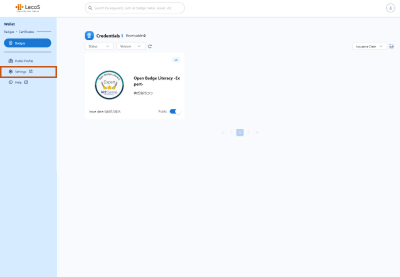
- Log in to Wallet and click Settings in the menu.
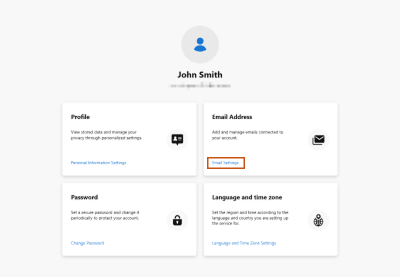
- Click Email Settings in the Email Address box.
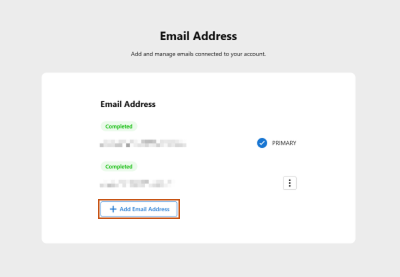
- Add an email address from the Email Address tab.
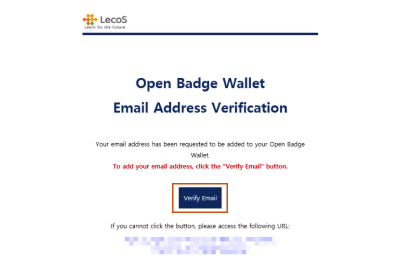
- An email address authentication email will be sent to the email address you added. Follow the instruction in the email text; click the Verify Email to complete the procedure.
*This system screen is under development and may differ from actual specifications.