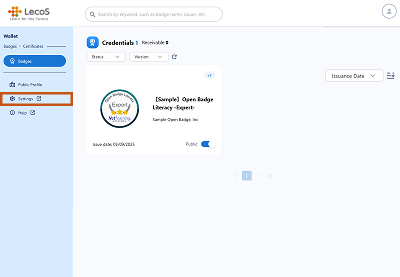
- Click "Settings" on the left side of the screen.
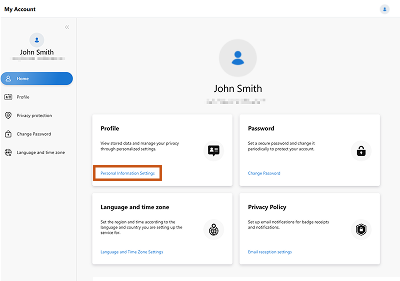
- On the My Account screen, click “Personal Information Settings” to set your profile picture, name, and message.
*This system screen is under development and may differ from actual specifications.

*This system screen is under development and may differ from actual specifications.