
- You will receive an "Receiving your Open Badge from [Issuer Name]." e-mail from the Issuer. Review the contents and click the "CHECK OPEN BADGE" button.

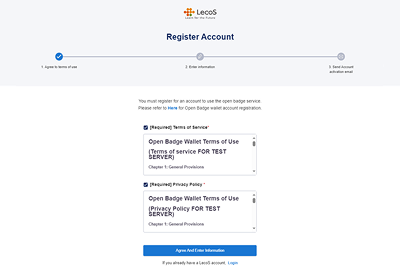
- On the Register Account screen, check with the Term of Service and Privacy Policy and click the “Agree And Enter Information” button.
- Enter your name and password to be registered in the Open Badge Wallet and click the “Check Input Information” button.
The password must be between 8- and 30-characters long combining uppercase / lowercase letters, numbers, and symbols (E.g. !@#$%^&+=).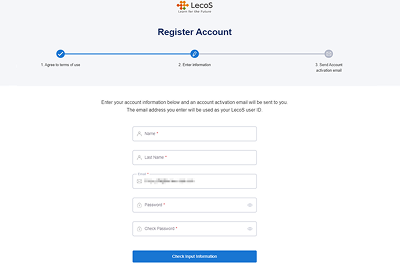
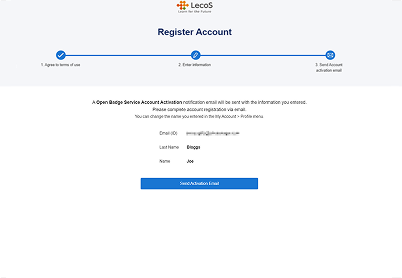
- Review your entries and click the “Send Activation Email” button.
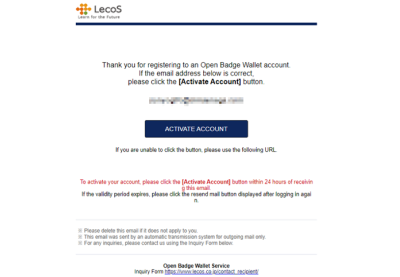
- An “Open Badge Account activating procedure” email will be delivered to the email address you entered. Click the “ACTIVATE ACCOUNT” button in the mail.
- Your account is ready when the screen below is displayed. Please try logging in using the “Log-in” button.
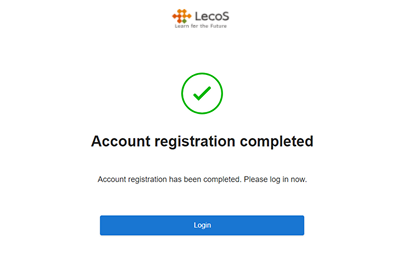
*This system screen is under development and may differ from actual specifications.