
For those invited by the issuer as a member of the organization to the Open Badge Wallet.
- Click on the "Member List" to show the list of members belonging to the invited organization.
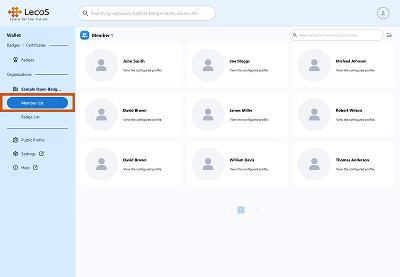
- You can click on each member to see the status of their Public Profile or Credential Received.
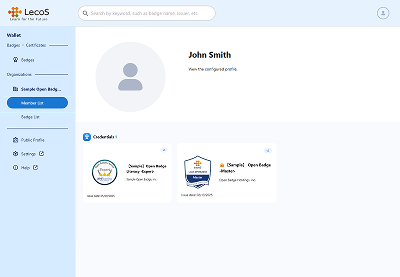

*This system screen is under development and may differ from actual specifications.